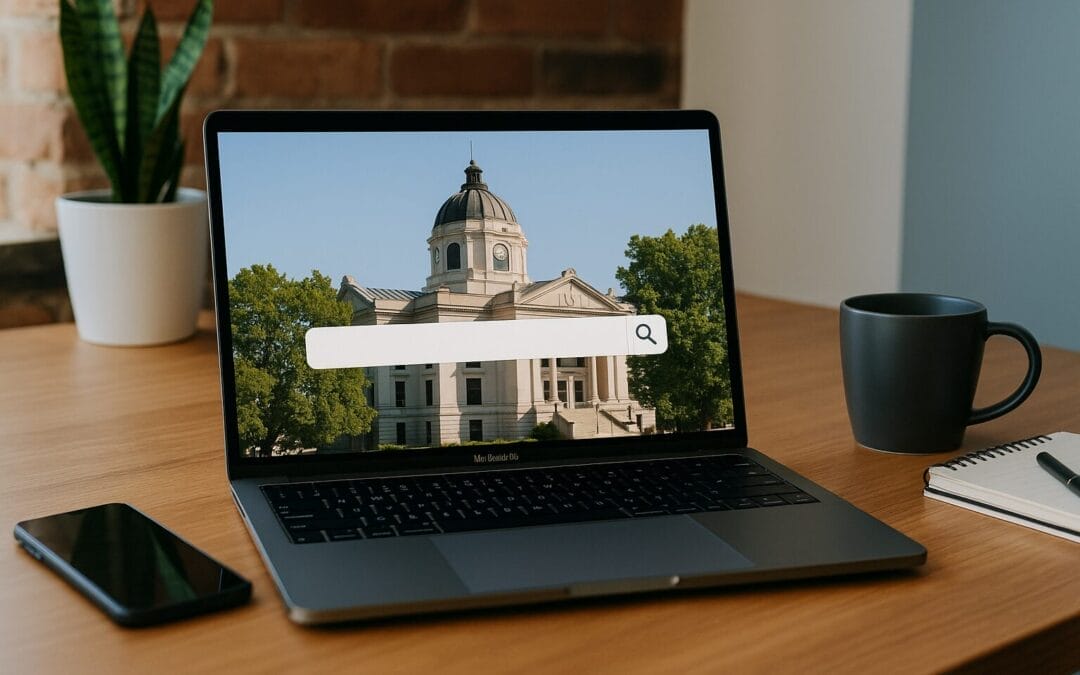
Introduction: Why Web Design Matters for Small Businesses in Indianapolis
If you run a small business in Indianapolis, your website is more than a digital business card — it’s your storefront, salesperson, and first impression rolled into one. Think of your website as a brick-and-mortar shop on Monument Circle: if the lights are dim, the windows are cluttered, or the door is hard to open, people walk right past. The same holds true online. A clean, fast, and user-friendly site attracts visitors, converts them into customers, and helps your local brand compete with bigger players.
Know Your Indianapolis Audience
Define your local customer
Who shops in your neighborhood? Are you serving families in Broad Ripple, young professionals in Midtown, or business clients downtown? Define your target audience’s needs, language, and expectations. Local customers care about convenience, clear hours, and proximity. Use that knowledge to craft content and design choices that feel familiar and helpful.
Use local language and cues
Small touches—like referencing local landmarks, using neighborhood imagery, or highlighting delivery zones—make your site feel relevant. But don’t overdo it; a single well-placed nod to Indianapolis (like “serving customers across Fountain Square and downtown”) shows local credibility without sounding spammy.
User Experience (UX): Design with People First
Prioritize clarity over cleverness
That trendy menu animation might look cool, but if customers can’t find your phone number or hours, it’s useless. Design for clarity: obvious navigation, clear calls-to-action (CTAs), and simple layouts that guide the eye. Ask: can a visitor find what they need within three clicks?
Make navigation intuitive
-
Use familiar labels (Home, Services, About, Contact) instead of quirky names.
-
Keep your menu structure shallow—too many nested items create friction.
-
Include a visible search box for content-heavy sites (blogs, product lists).
Design for micro-moments
People often visit sites to answer a single question—“Are you open now?” or “Do you deliver to 46204?” Make those answers immediate: display hours prominently, show delivery options, and have a clear “Book Now” or “Call Us” button.
Mobile-First and Responsive Design
Why mobile matters in Indianapolis
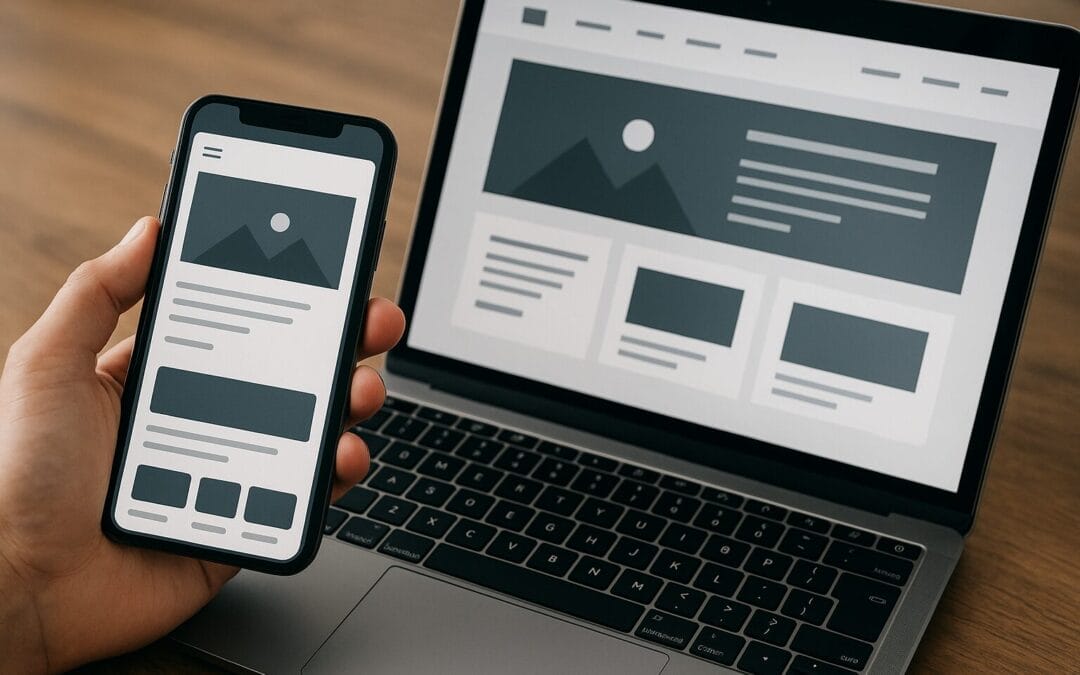
More than half of web traffic is mobile. In a city where people look up restaurants, shops, and service providers on the go, a mobile-friendly site is a must. A responsive design adapts to screen sizes so the same site works beautifully on phones, tablets, and desktops.
Tips for mobile optimization
-
Use larger tap targets for buttons and links.
-
Prioritize content—show contact info, hours, and booking options top of the fold.
-
Minimize pop-ups on mobile (they’re often frustrating and can hurt rankings).
Speed and Performance: Faster = Better
The impact of load time
Every second counts. Users expect fast websites, and search engines reward them. A slow site increases bounce rates and reduces conversions. Think of it like traffic on I-65 during rush hour—if it takes too long, people turn off and find another route.
How to improve site speed
-
Choose fast hosting—look for solid-state servers and good uptime.
-
Optimize images (compress and use modern formats like WebP).
-
Enable browser caching and use a Content Delivery Network (CDN).
-
Minify CSS, JavaScript, and HTML files.
-
Limit third-party scripts and plugins that slow pages down.
SEO Basics for Indianapolis Businesses
Local SEO: Be visible where it matters
Local SEO helps people in Indianapolis find your business. Start with a fully optimized Google Business Profile—accurate address, hours, photos, and regular updates. That’s your free storefront on Google Search and Maps.
On-page SEO essentials
-
Use descriptive, keyword-rich page titles and meta descriptions (but keep them natural).
-
Structure content with headings (H1, H2, H3) so search engines and users can scan it.
-
Optimize URLs (example: /web-design-indianapolis) and use descriptive alt text for images.
-
Include local keywords such as “Indianapolis,” “Indy,” or neighborhood names when relevant.
Leverage local citations & directories
List your business in reputable local directories and industry-specific sites. Consistent Name, Address, Phone Number (NAP) across listings boosts trustworthiness and local rankings.
Conversion Optimization: Turn Visitors Into Customers
Design CTAs that work
A call-to-action should be bold, clear, and easy to find. Use action verbs: “Book Now,” “Get a Free Quote,” or “Call for Same-Day Service.” Place CTAs in multiple locations (header, product pages, footer).
Streamline conversion paths
Reduce friction wherever possible. If you ask for a contact form, keep fields to the minimum necessary. Offer multiple contact options—phone, email, chat, and online booking—to match visitor preferences.
Use social proof
Testimonials, reviews, and case studies increase trust. Show customer photos, star ratings, or logos of local partners to reassure hesitant visitors.
Content Strategy: Tell Your Local Story
Focus on helpful, local content
Blog posts and guides targeted to Indianapolis topics drive local traffic and position you as a community resource. Think: “Best Family-Friendly Breakfast Spots in Indy” for a cafe, or “How to Winterize Your Home in Indianapolis” for a handyman.
Use a content calendar
Publish consistently. A content calendar helps you plan seasonal posts (e.g., NCAA events in Indy or local holiday roundups) that attract local interest and backlinks.
Visual Design: Look Professional Without Overwhelm
Keep branding consistent
Your logo, color palette, and typography should reflect your brand and be consistent across pages. Consistency builds recognition and trust—like wearing the same uniform every day.
Use high-quality, optimized images
Invest in real photos of your team, storefront, and products. Stock photos have their place, but local imagery feels authentic. Optimize images for web to maintain performance.
Whitespace is your friend
White space reduces clutter and guides attention. Think of it as breathing room on the page—pages that “breathe” are easier to scan and convert better.
Accessibility: Design for Everyone
Why accessibility matters
Accessible websites reach more customers and avoid legal and reputational risks. Many accessibility improvements also improve UX for all users—larger fonts, good contrast, and clear labels help everyone.
Practical accessibility steps
-
Use semantic HTML headings and alt text for images.
-
Ensure sufficient color contrast for text and buttons.
-
Make forms keyboard-friendly and label inputs clearly.
-
Provide captions or transcripts for audio/video content.
Security and Trust: Protect Your Users
Secure your site with HTTPS
SSL certificates are essential. HTTPS protects user data and is a ranking signal for search engines. Many hosting providers offer free SSL via Let’s Encrypt.
Display trust signals
Show badges for secure checkout, warranty, or industry certifications. Include clear privacy policies and terms—people feel safer when everything is transparent.
Analytics and Ongoing Testing
Set up tracking from day one
Install Google Analytics and Google Search Console or equivalent tools so you can see where traffic comes from and how users behave. Without data, you’re guessing.
Run A/B tests and iterate
Test different headlines, CTAs, and layouts. Use heatmaps to see where users click and scroll. Small changes can lead to big improvements over time—like tweaking the angle of a sale sign in front of your shop.
Content Management and Maintenance
Pick the right CMS
A Content Management System (CMS) like WordPress, Webflow, or Shopify (for e-commerce) gives you flexibility and control. Choose one that fits your technical comfort level and business needs.
Plan for ongoing maintenance
Websites need updates: security patches, plugin updates, content refreshes, and backups. Budget for maintenance—neglecting it can lead to slow performance, security risks, or broken pages.
Choosing a Web Design Partner in Indianapolis
Know what to look for
When hiring a designer or agency, ask for local experience, case studies, and references. Local partners understand Indy’s market and can offer in-person consultations when needed.
Questions to ask potential designers
-
Do you have experience working with small businesses in Indianapolis?
-
Can you provide local case studies and references?
-
How do you handle SEO, accessibility, and mobile optimization?
-
What is the timeline and cost for maintenance after launch?
DIY vs Hiring a Pro: Which Should You Choose?
When to DIY
If you sell just a few items, have a small budget, and are comfortable with templates, DIY builders like Wix or Squarespace can work. They’re cost-effective and fast to launch.
When to hire a pro
If you need custom features, strong SEO, or a unique brand experience, hiring a professional pays off. Think long-term—spending more up-front often saves time and money later.
Budgeting: What to Expect to Spend
Typical cost ranges
-
DIY template site: $0–$500/year (hosting, domain, premium theme/plugins)
-
Small business custom site: $2,000–$10,000 (design, development, SEO basics)
-
Medium-sized or e-commerce: $10,000+ (custom features, integrations, maintenance)
Keep in mind ongoing costs: hosting, domain renewal, maintenance, and content updates. Think of your website as an investment, not a one-time purchase.
Common Mistakes Indianapolis Small Businesses Make
Overlooking mobile users
Many local businesses focus on desktop views during design, forgetting that customers often find them on the go. Make sure mobile users get the essential info first.
Ignoring local SEO
Having a website but no Google Business Profile is like opening a shop and not putting up a sign. Claim your local listings and keep them accurate.
Too many plugins or heavy scripts
Plugins can add functionality, but too many can bloat your site and create security vulnerabilities. Use only what you need and update regularly.
Local Marketing Integrations That Boost Results
Google Business Profile and local directories
Optimize your GBP with photos, services, and regular posts. Encourage reviews—respond to them and show appreciation. Local directories and chamber of commerce listings add credibility and links.
Online appointment & booking tools
If you offer services, integrate booking software that syncs with calendars and sends reminders. It reduces no-shows and improves client experience.
Social proof and user-generated content
Encourage customers to share photos of your products or services on social media. Reposting local customer content gives social proof and strengthens community ties.
Case Study Examples (Hypothetical but Practical)
Local cafe in Fountain Square
Problem: Low mobile orders and weak foot traffic.
Solution: Redesigned site with mobile-first layout, “Order Online” CTA in header, optimized local keywords (“best espresso near Fountain Square”), and Google Business Profile with photos. Result: 40% increase in online orders and more walk-ins driven by clear hours and menu accessibility.
Plumbing service covering south Indy
Problem: Poor search visibility and high competition.
Solution: Implemented localized landing pages for neighborhoods, added schema markup for services, improved page speed, and showcased customer reviews. Result: Top 3 local search placements for key service terms and a steady increase in inbound calls.
Practical Checklist: Launch-Ready Website for Indianapolis Small Businesses
-
Mobile-responsive design tested on multiple devices.
-
Fast hosting and optimized images (aim for <3 seconds load time).
-
Clear navigation and visible contact info (phone, address, hours).
-
Strong, local-focused CTAs and landing pages.
-
Google Business Profile claimed and optimized.
-
On-page SEO: optimized titles, meta descriptions, and alt text.
-
Analytics installed (Google Analytics, Search Console).
-
Accessibility basics covered (alt text, labels, color contrast).
-
SSL certificate installed and security measures in place.
-
Maintenance plan and backup schedule established.
Action Plan: First 30, 60, and 90 Days
First 30 days
-
Audit existing site for mobile responsiveness, speed, and content gaps.
-
Claim/optimize Google Business Profile and local listings.
-
Fix urgent UX issues: contact visibility, hours, and booking link.
Next 60 days
-
Implement performance improvements (image compression, caching).
-
Start a content calendar and publish two local-focused posts.
-
Set up analytics goals (form submissions, calls, bookings).
By 90 days
-
Run A/B tests on your top-performing landing page.
-
Reach out for local partnerships or sponsorships to build links.
-
Review results and refine SEO and conversion strategies.
Final Thoughts: Make Your Indianapolis Website Work for You
Designing a website for a small business in Indianapolis isn’t about flashy effects or copying competitors—it’s about clarity, speed, local relevance, and trust. Treat your site like your best employee: train it to answer questions, guide customers, and close sales. Start with the basics, measure everything, and iterate. With a local-first mindset and steady improvement, your website can become one of your most powerful marketing tools.
Summary
For Indianapolis small businesses, a successful website blends strong UX, mobile-first design, local SEO, fast performance, and clear calls-to-action. Focus on what your local customers need, make information easy to find, and keep your site maintained and secure. Whether you DIY or hire a local professional, invest in a site that represents your brand, drives conversions, and grows with your business.
FAQs
-
Q: How long does it take to build a small business website for an Indianapolis business?
A: A simple, template-based site can launch in 1–3 weeks. A custom site with design, content, and SEO typically takes 6–12 weeks depending on scope.
-
Q: Do I need a separate mobile site?
A: No. Use responsive design so the same site adapts to phones and desktops. Separate mobile sites are outdated and harder to maintain.
-
Q: How important is Google Business Profile for a local business in Indianapolis?
A: Extremely important. It improves visibility in local searches and on Google Maps, and provides essential info (hours, address, phone) to potential customers.
-
Q: What’s a reasonable monthly budget for website maintenance?
A: Expect to budget $50–$300/month for small sites (hosting, backups, updates). More complex sites or dedicated retainer services can cost $500+/month.
-
Q: How can I improve my site’s local search rankings quickly?
A: Start by optimizing your Google Business Profile, ensuring NAP consistency across listings, adding localized content, and securing local backlinks (sponsorships, events, partnerships). Quick fixes help, but sustained effort yields the best long-term rankings.